
Setup IPTV USA on Any Device
One IPTV subscription, every device. Setup takes under 2 minutes. Pick your device below for a step-by-step guide — our USA support team is also on live chat 24/7.
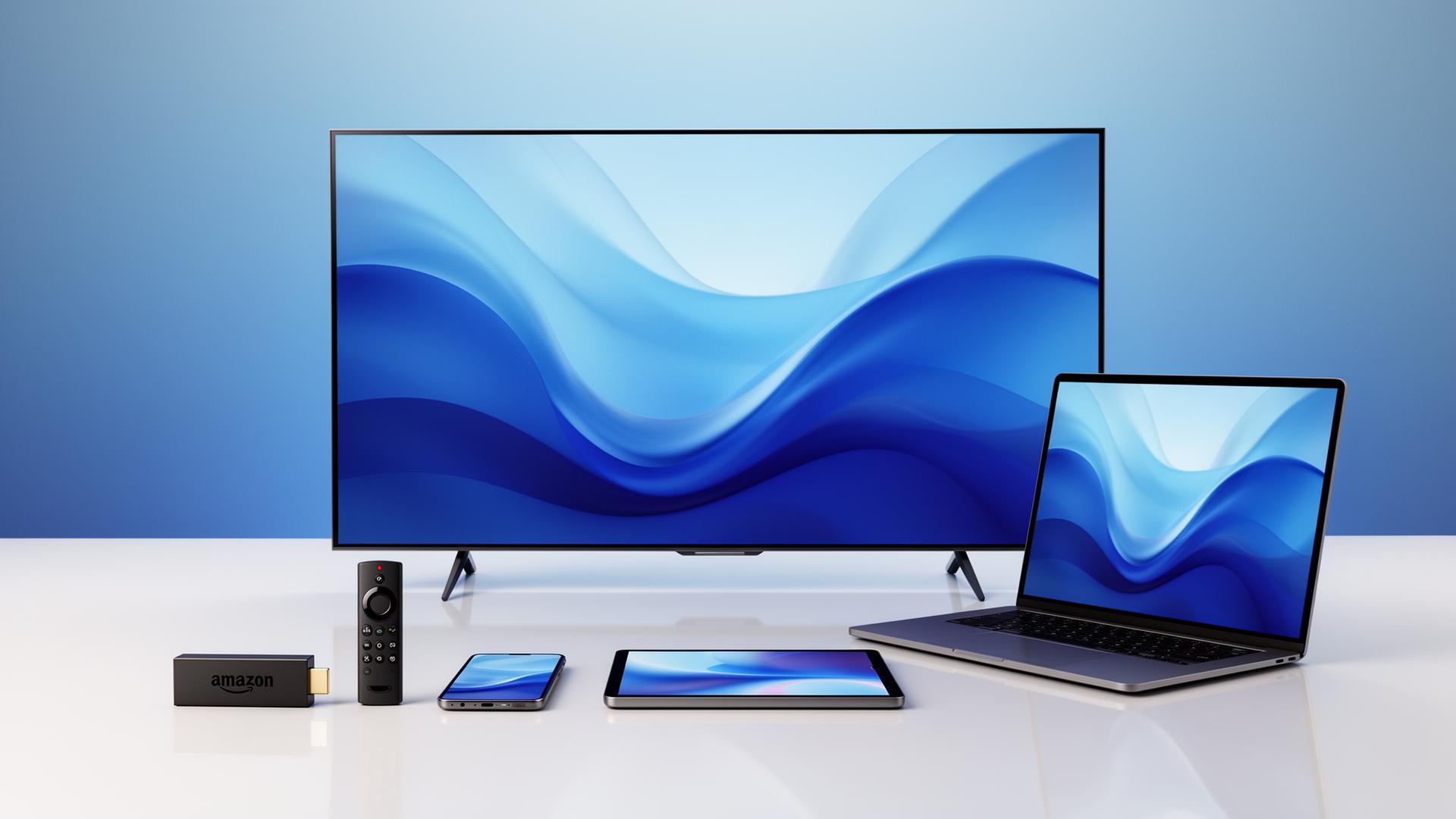
Amazon Firestick / Fire TV
- 1Enable Apps from Unknown Sources
- 2Install Downloader app
- 3Enter your portal URL
- 4Login with credentials sent by email
Smart TV (Samsung, LG, Android TV)
- 1Install IPTV Smarters or TiviMate
- 2Add new playlist (M3U or Xtream Codes)
- 3Paste credentials we email you
- 4Enjoy full EPG instantly
iPhone & iPad (iOS)
- 1Install GSE Smart IPTV or Smarters Pro
- 2Add Xtream Codes API
- 3Login with provided credentials
- 4Stream live TV anywhere
Android Phone / Box
- 1Install IPTV Smarters Pro from Play Store
- 2Add new user
- 3Use Xtream Codes credentials
- 4Sort & favorite USA channels
Windows & macOS
- 1Install VLC, Kodi, or Smarters for Mac
- 2Open network stream or playlist
- 3Paste M3U URL
- 4Pin favorite USA channels
MAG Box / Enigma2
- 1Send us your MAC address after purchase
- 2We provision your device
- 3Reboot and your portal loads
- 4All channels & EPG pre-configured